The service helps parents stop guessing what their child is doing on a smartphone and see a clear picture: how much time goes to games, social networks, entertainment, and useful apps. We provide tools for reasonable control without crossing personal boundaries, depending on the child’s age and your preferences, with flexible settings and a convenient interface.
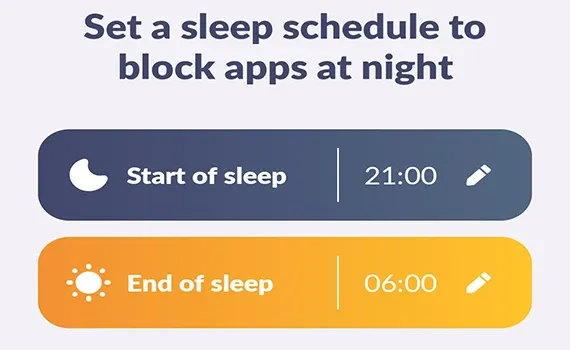
Kidsafety helps parents manage a child’s smartphone time gently. You can limit games, social networks, video services, and other apps that most often distract from study, sleep, or family rest.
At the same time, essential apps can remain available: the child can make a call, send a message, use a taxi service, or open other tools you consider important for communication and safety.
Reports show how much time your child spends on the screen and which apps take the most attention. This is useful when you need to understand whether games interfere with study, whether evenings disappear into endless feeds, and how balanced the day is.
Kidsafety does not replace a trust-based family conversation; it helps make that conversation more specific. Parents see the overall picture, the child understands the rules, and restrictions become part of a previously agreed routine.
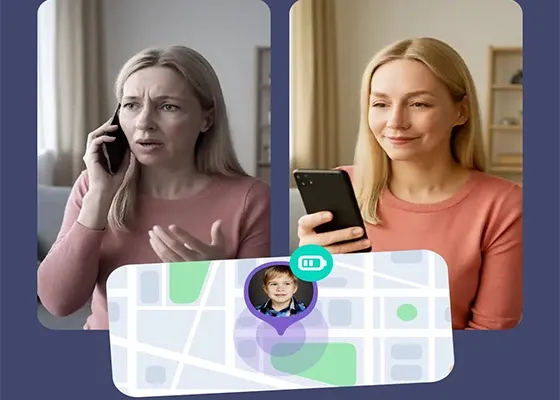
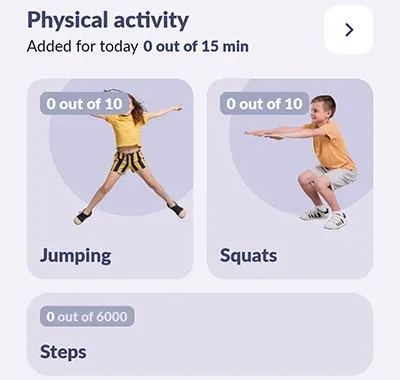
Kidsafety is designed for open family use. The app is not installed secretly: setup is completed with the child’s consent, the required permissions, and a clear explanation of the rules.
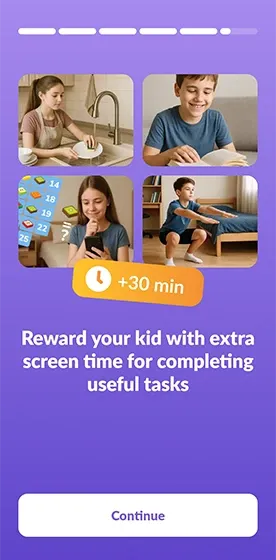
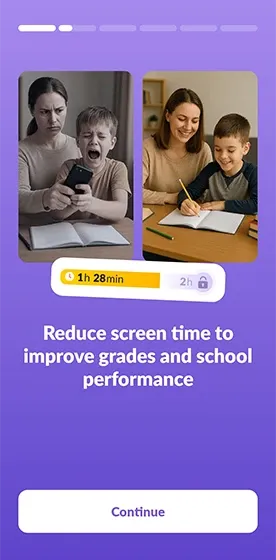
The main screenshots help users quickly access statistics, limits, schedules, and child mode settings. Parents do not need to navigate complex dashboards: key actions are organized in a clear mobile structure.
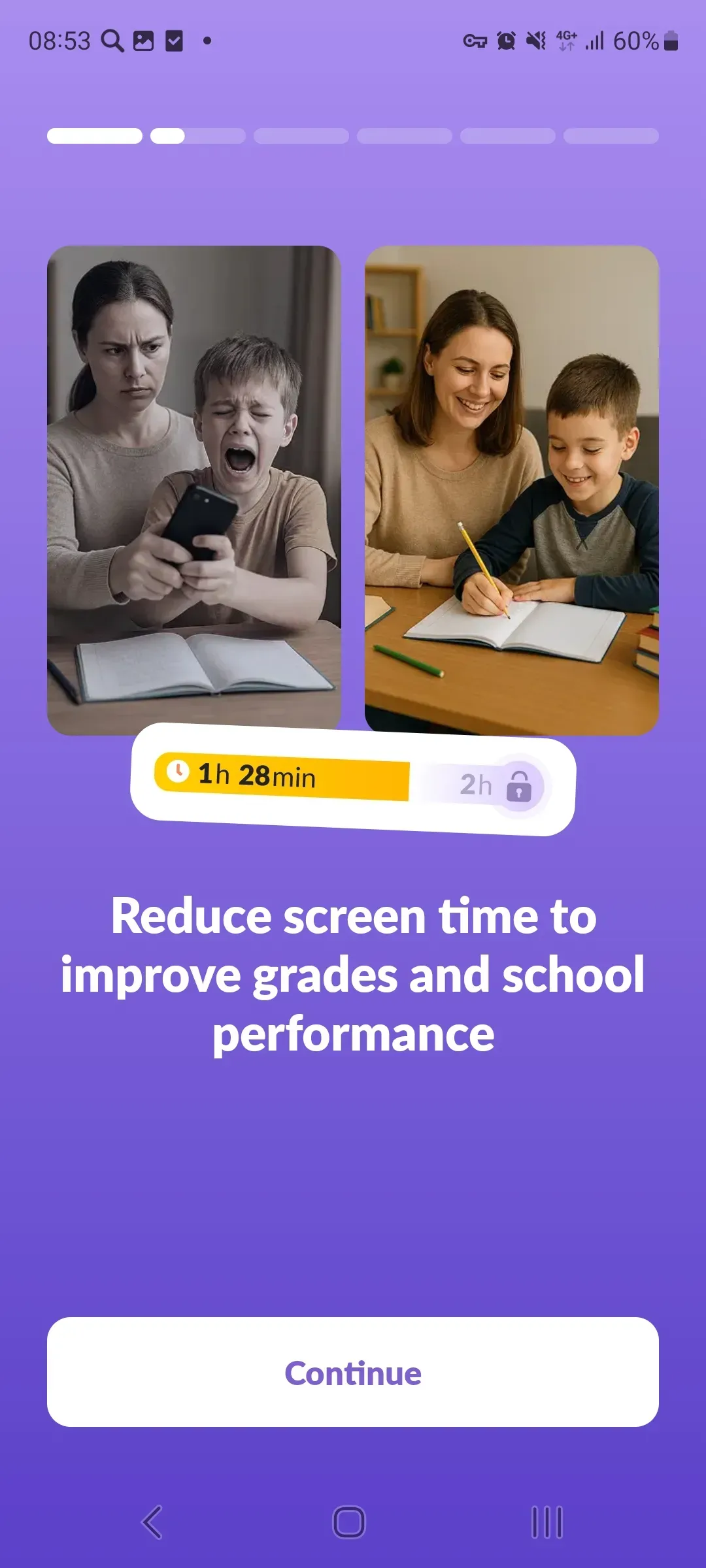
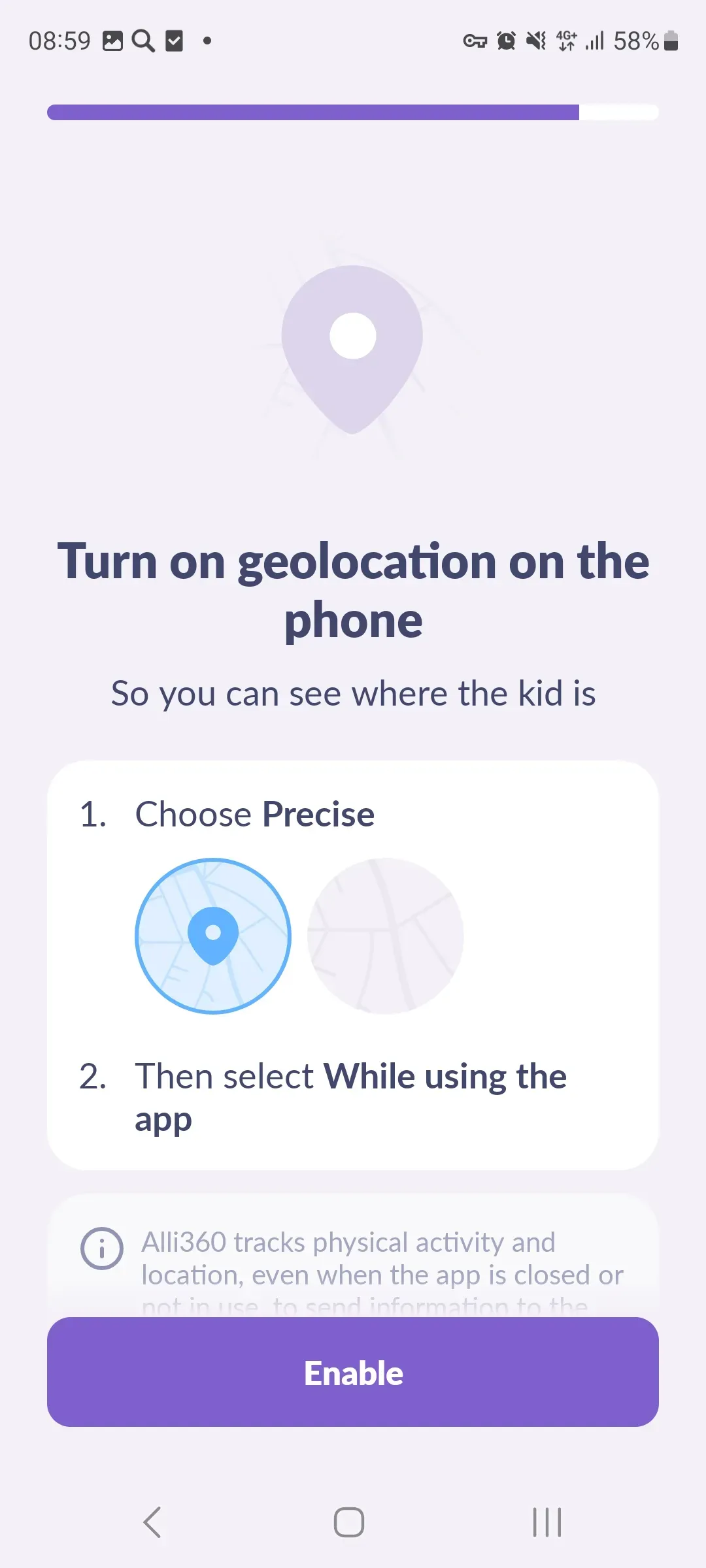
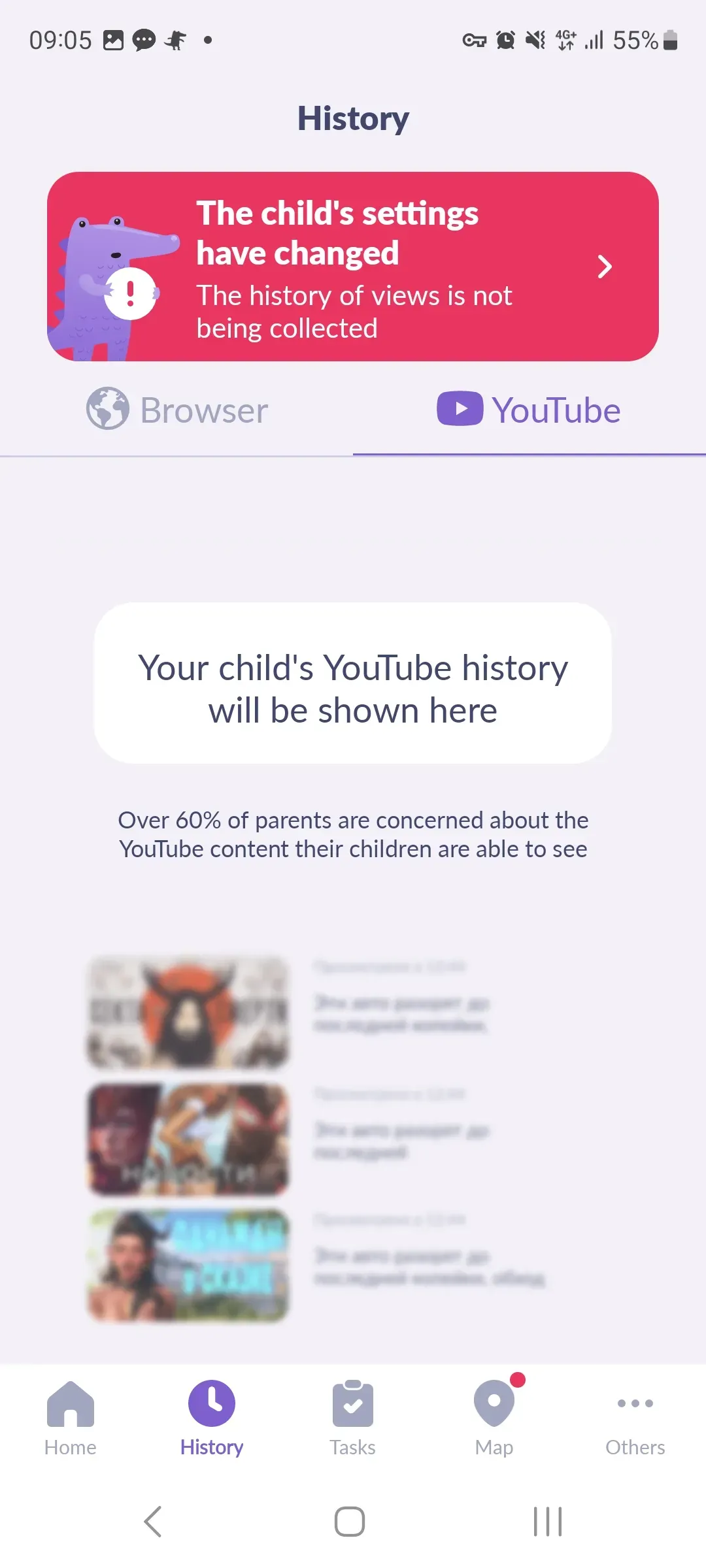
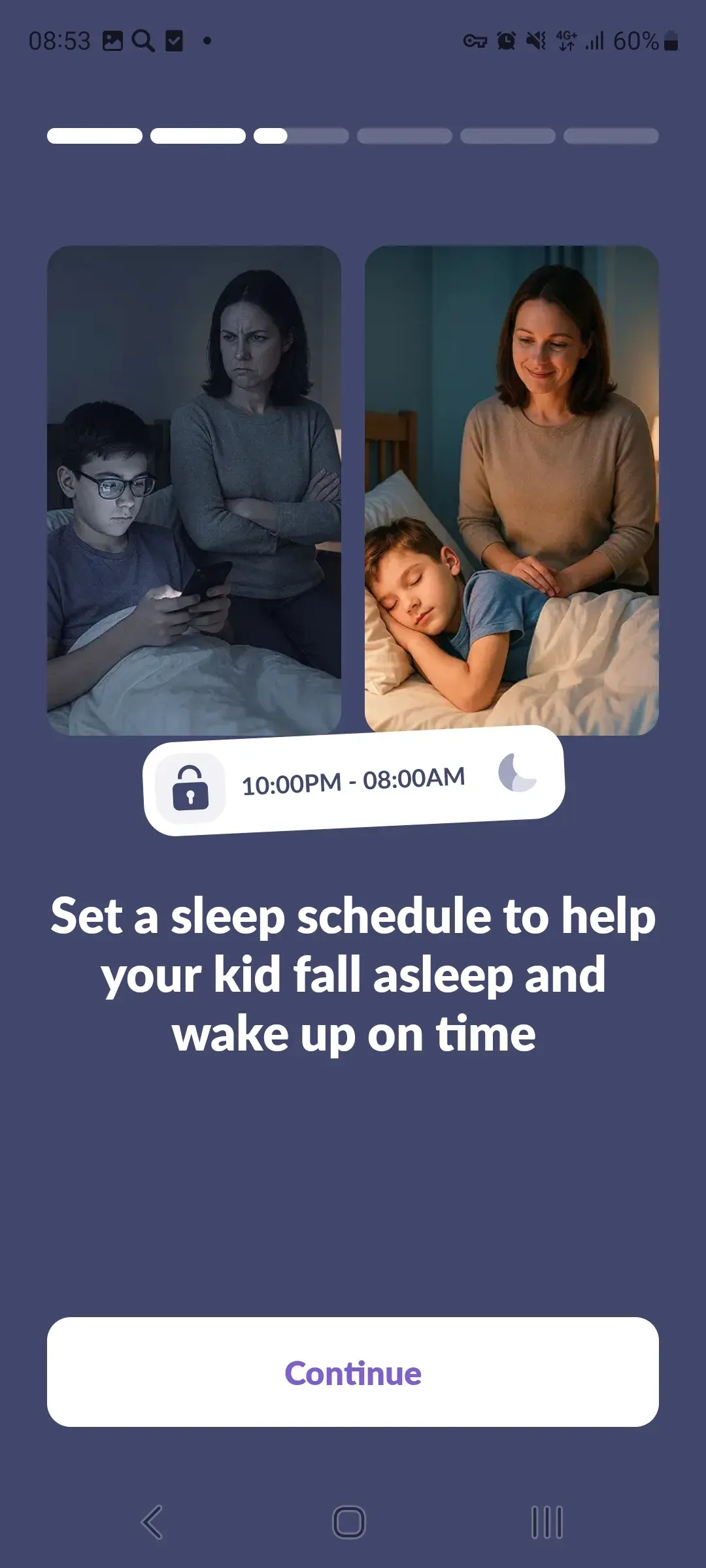
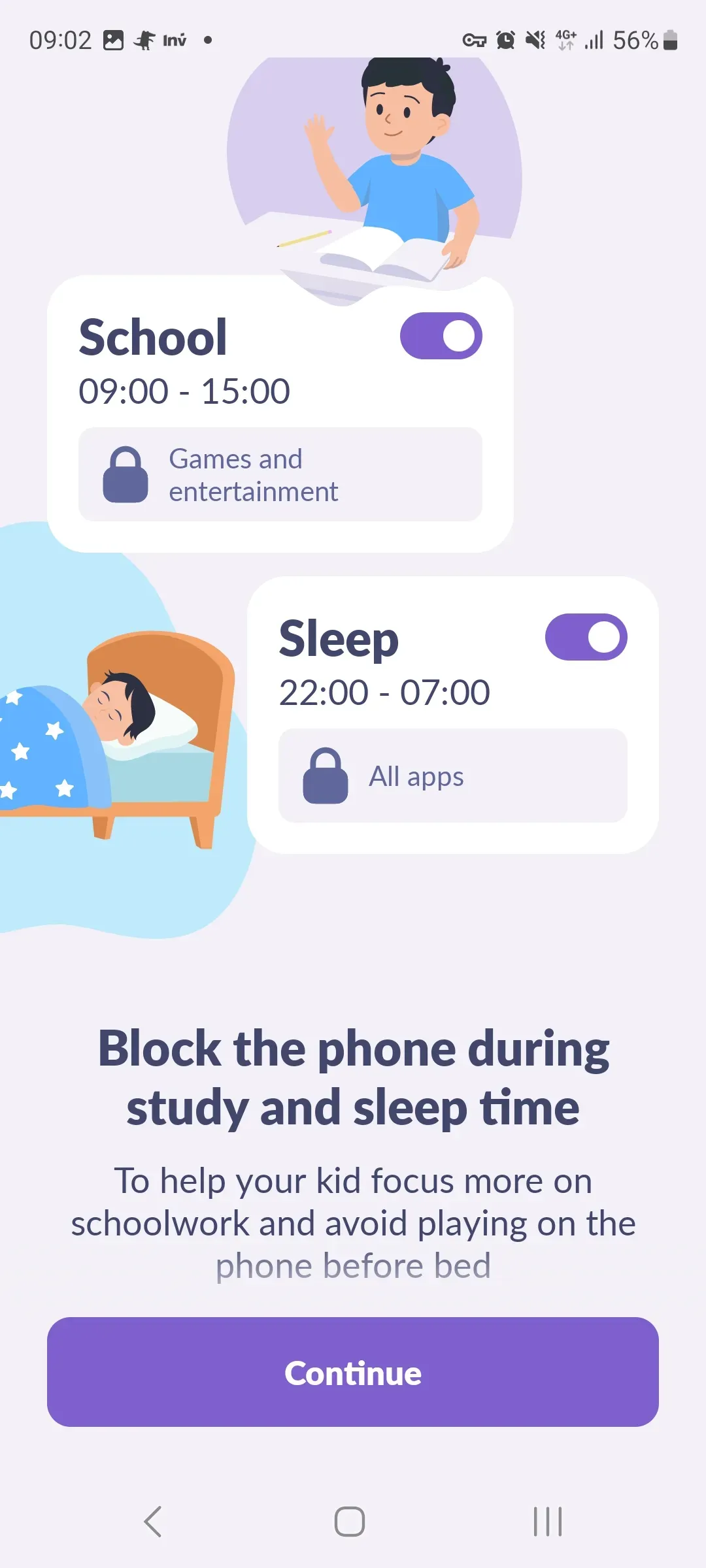
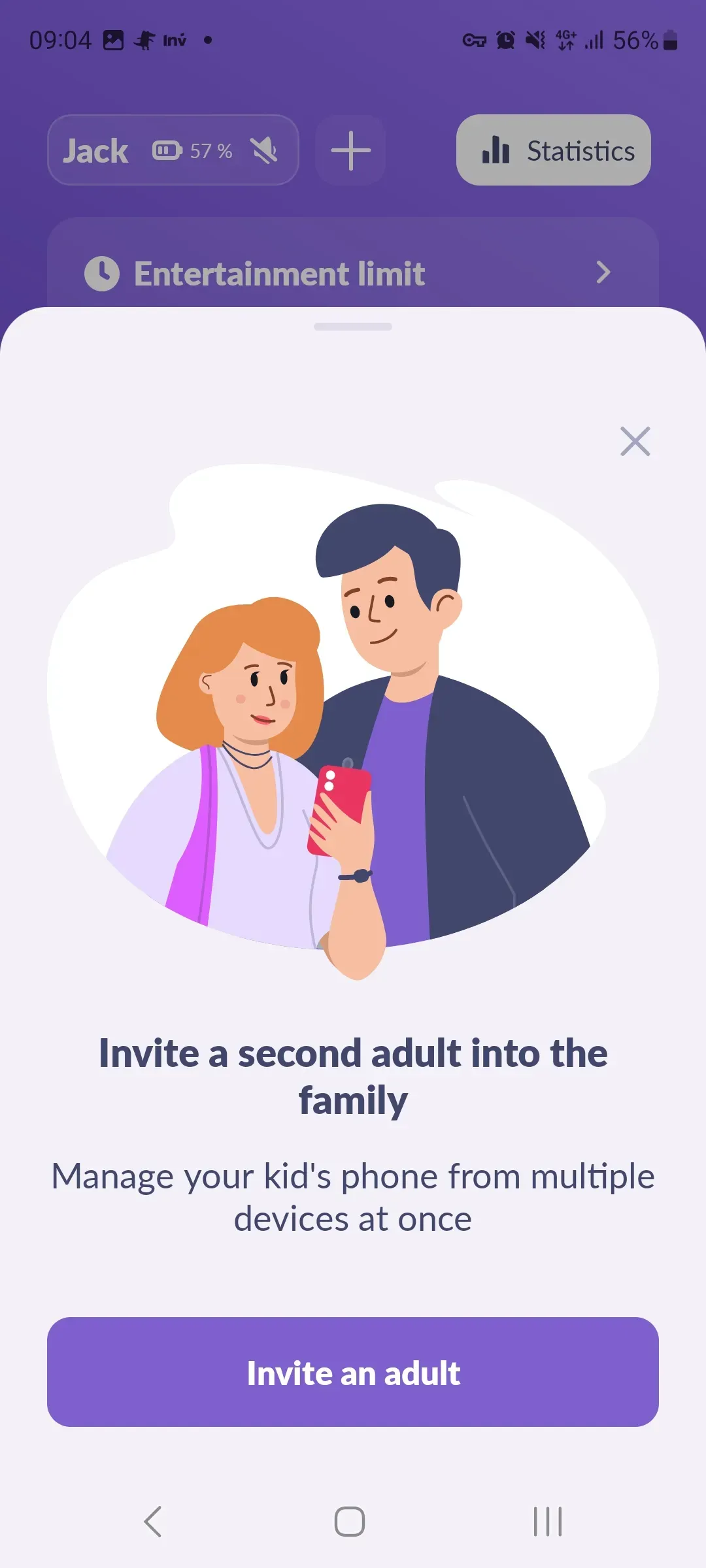
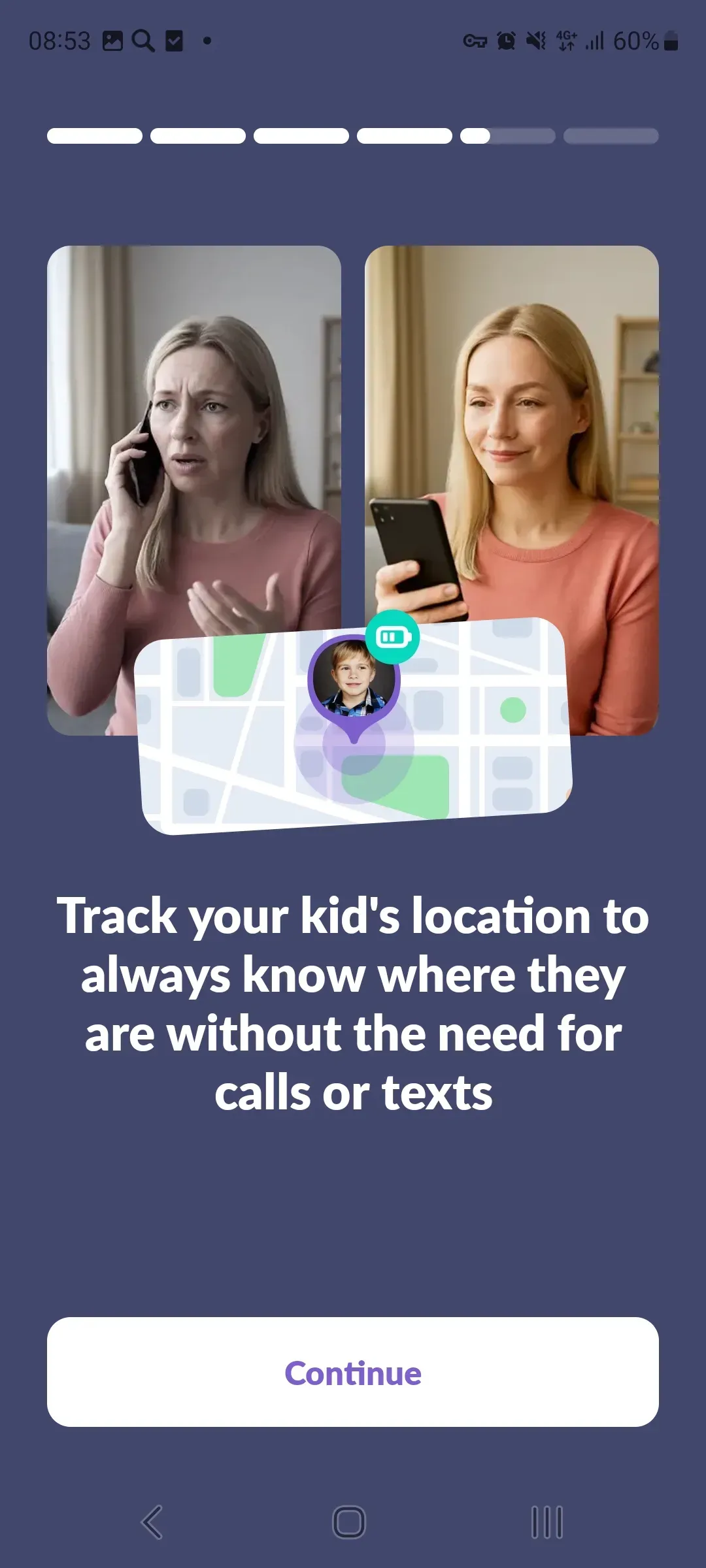
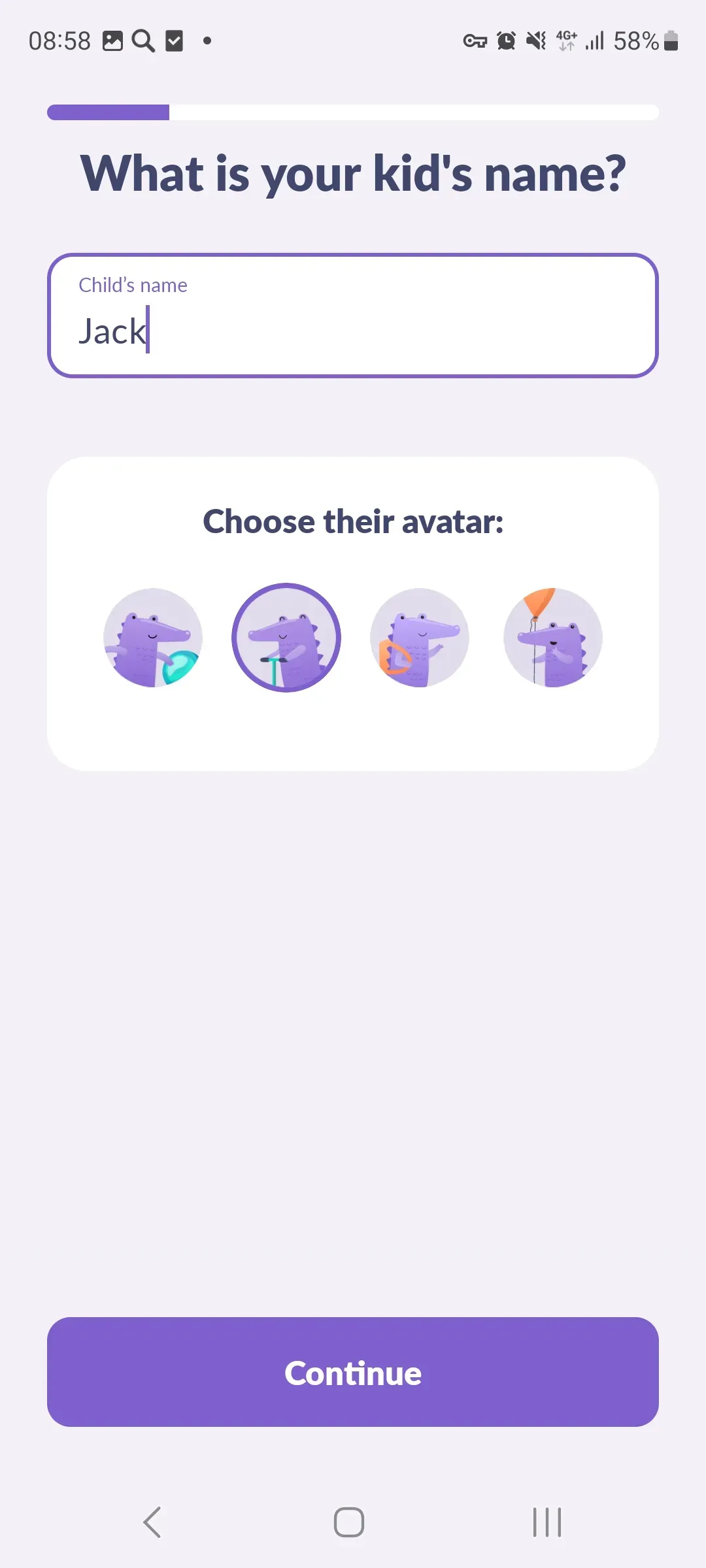
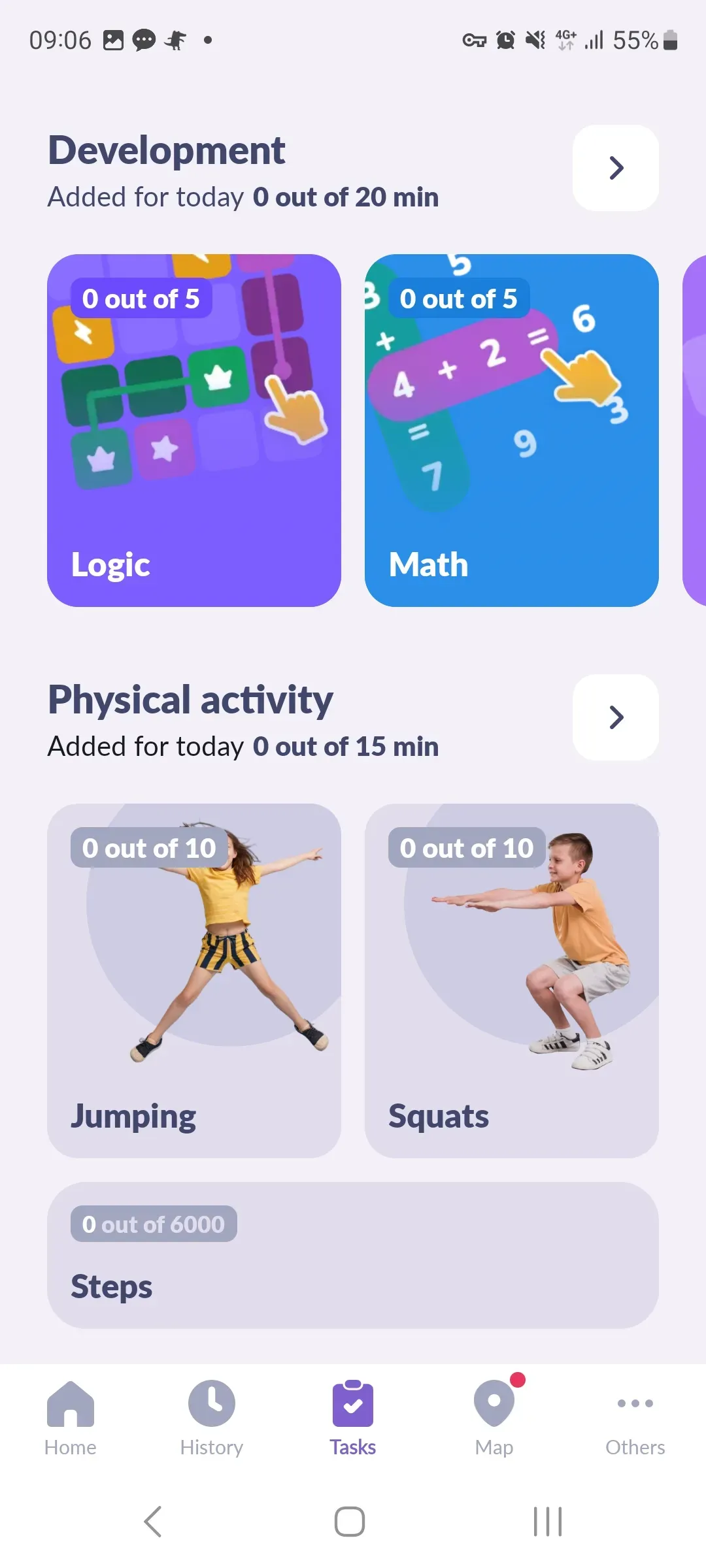
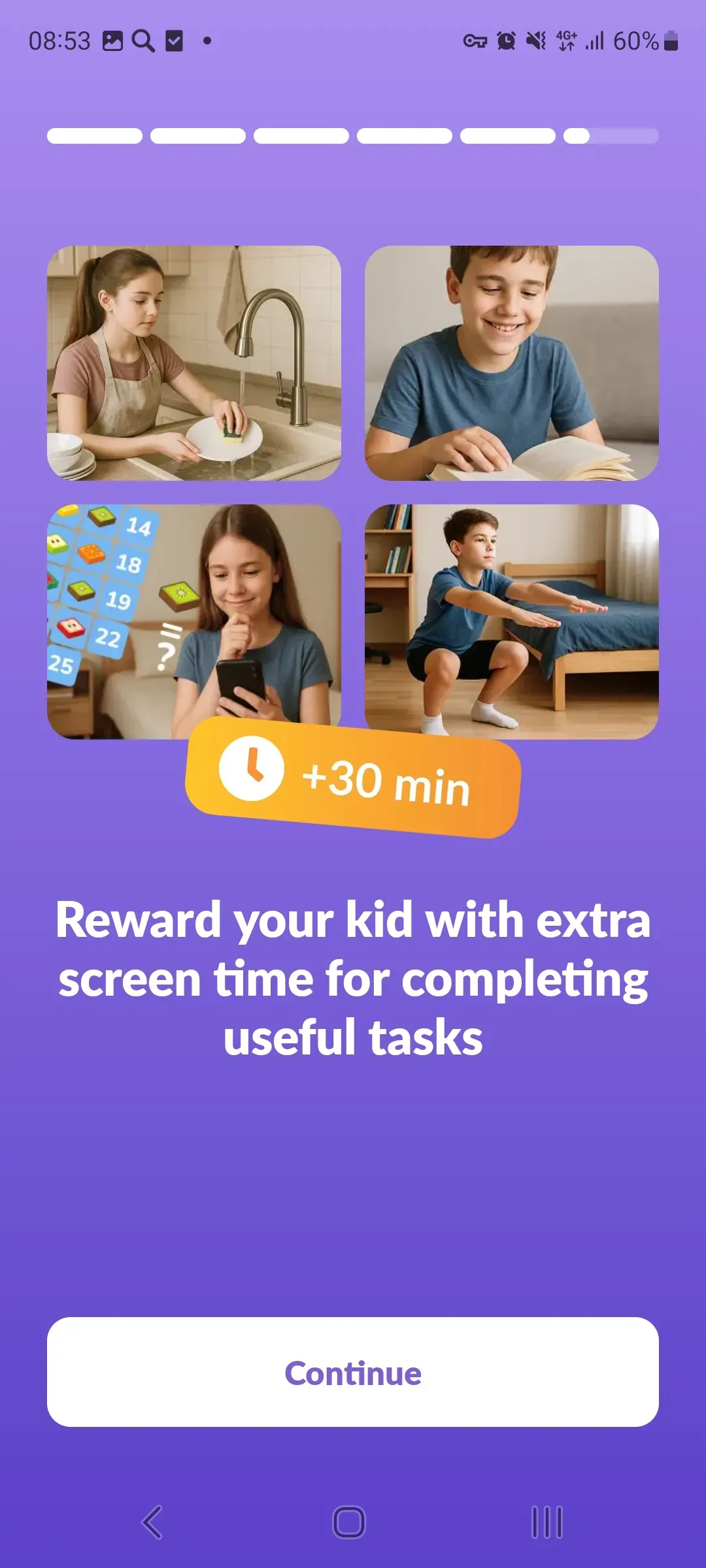
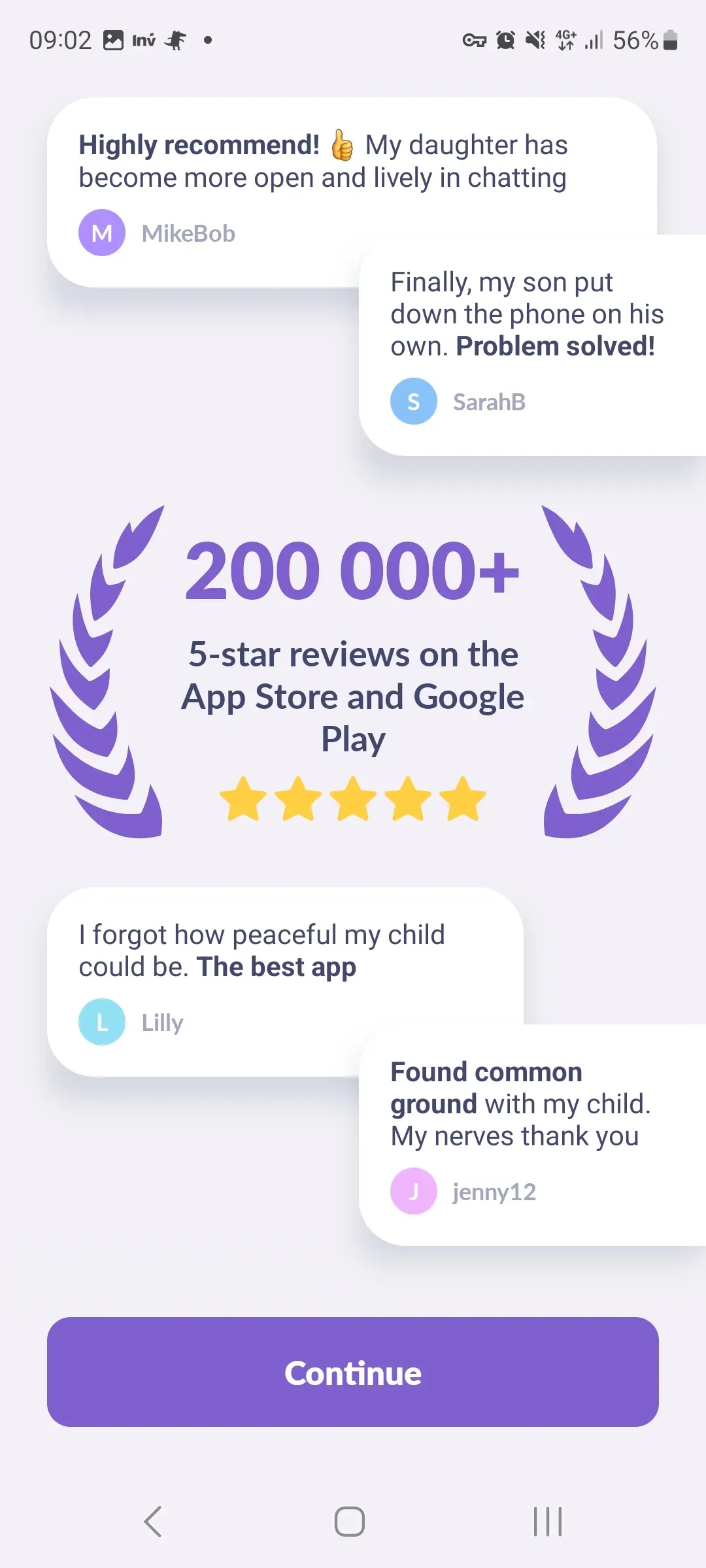
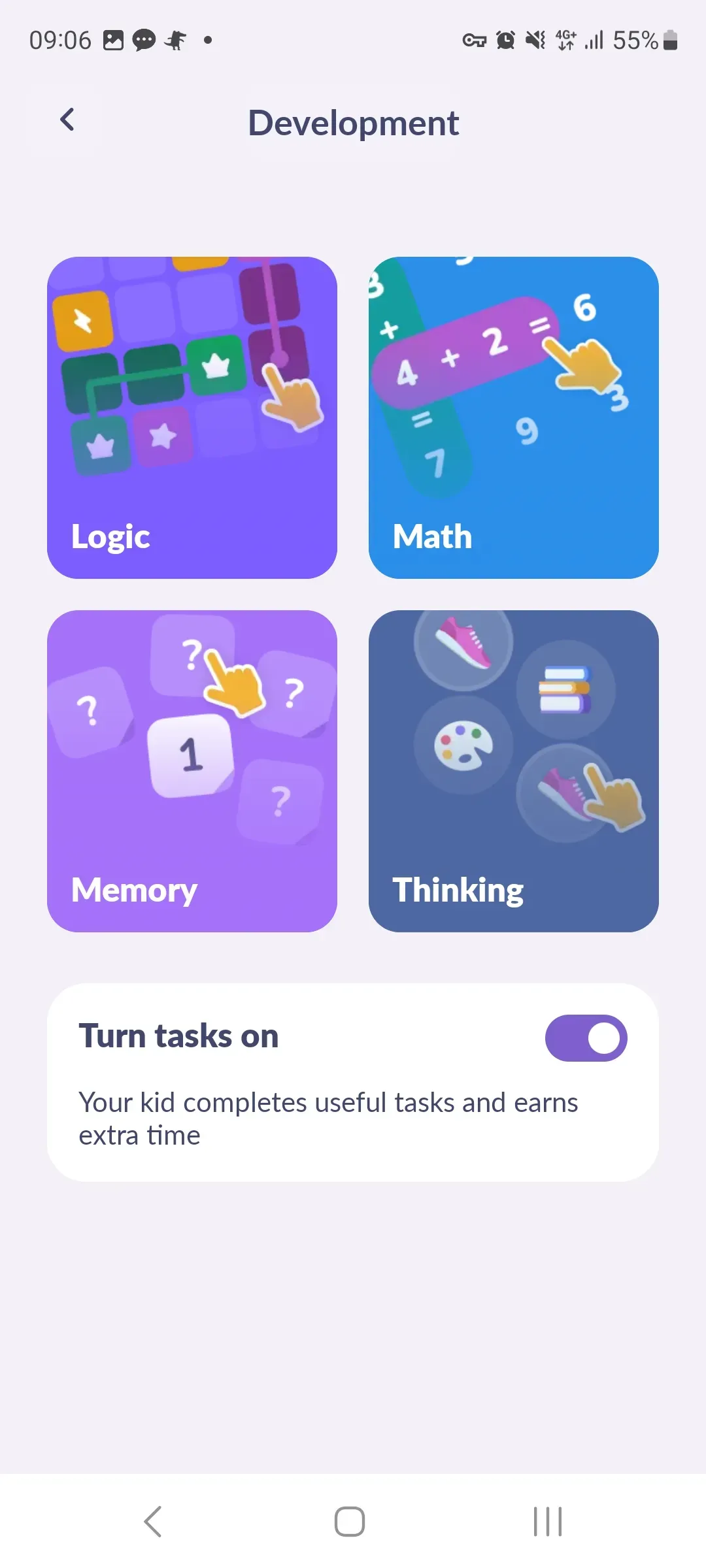
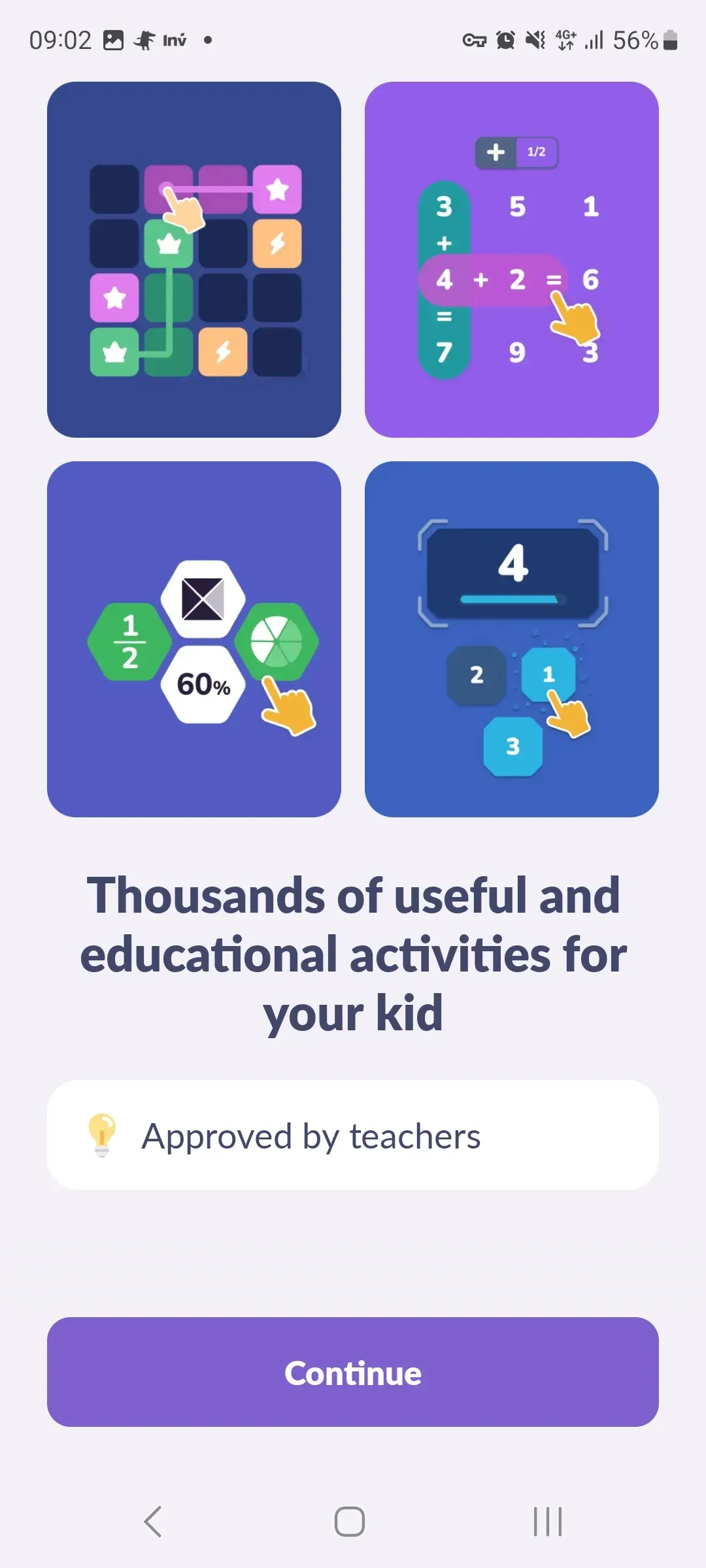
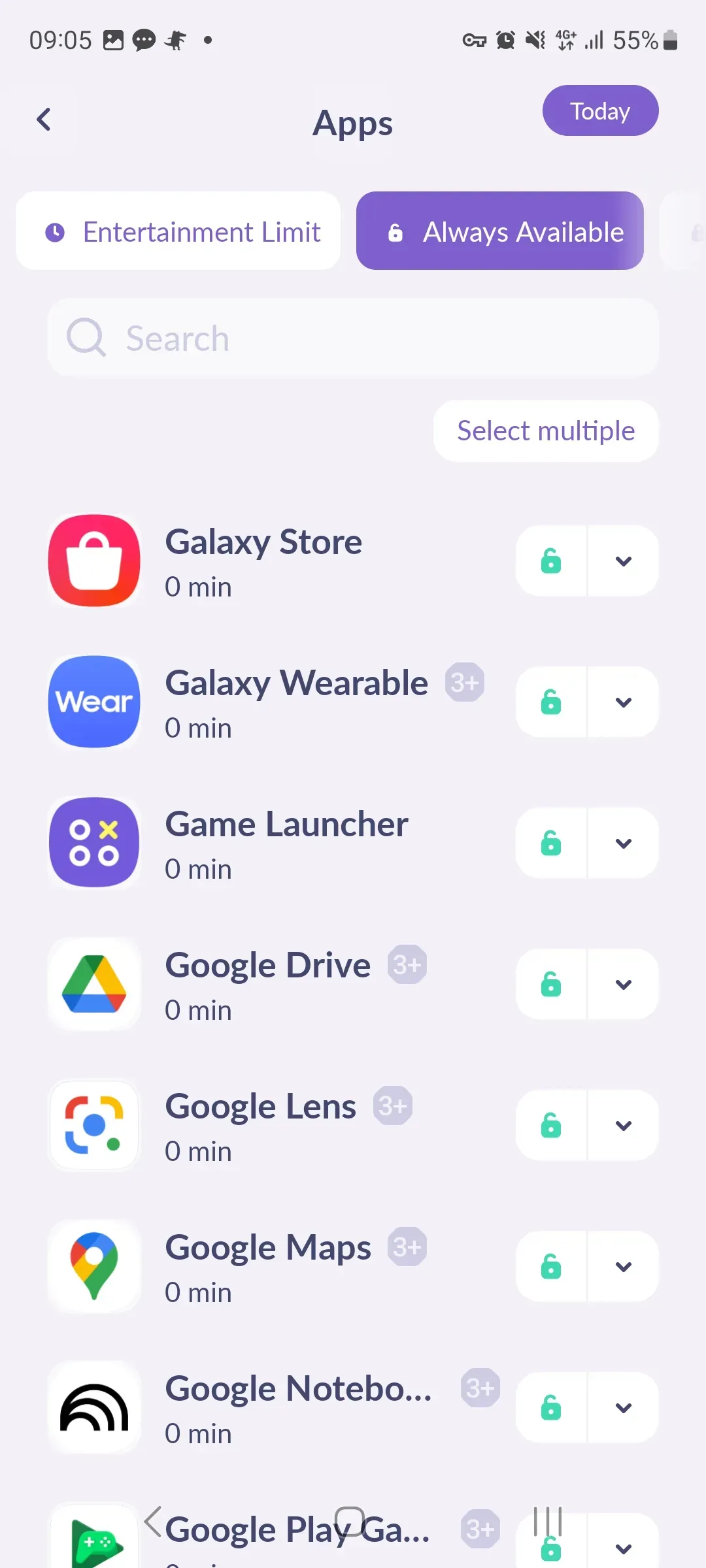
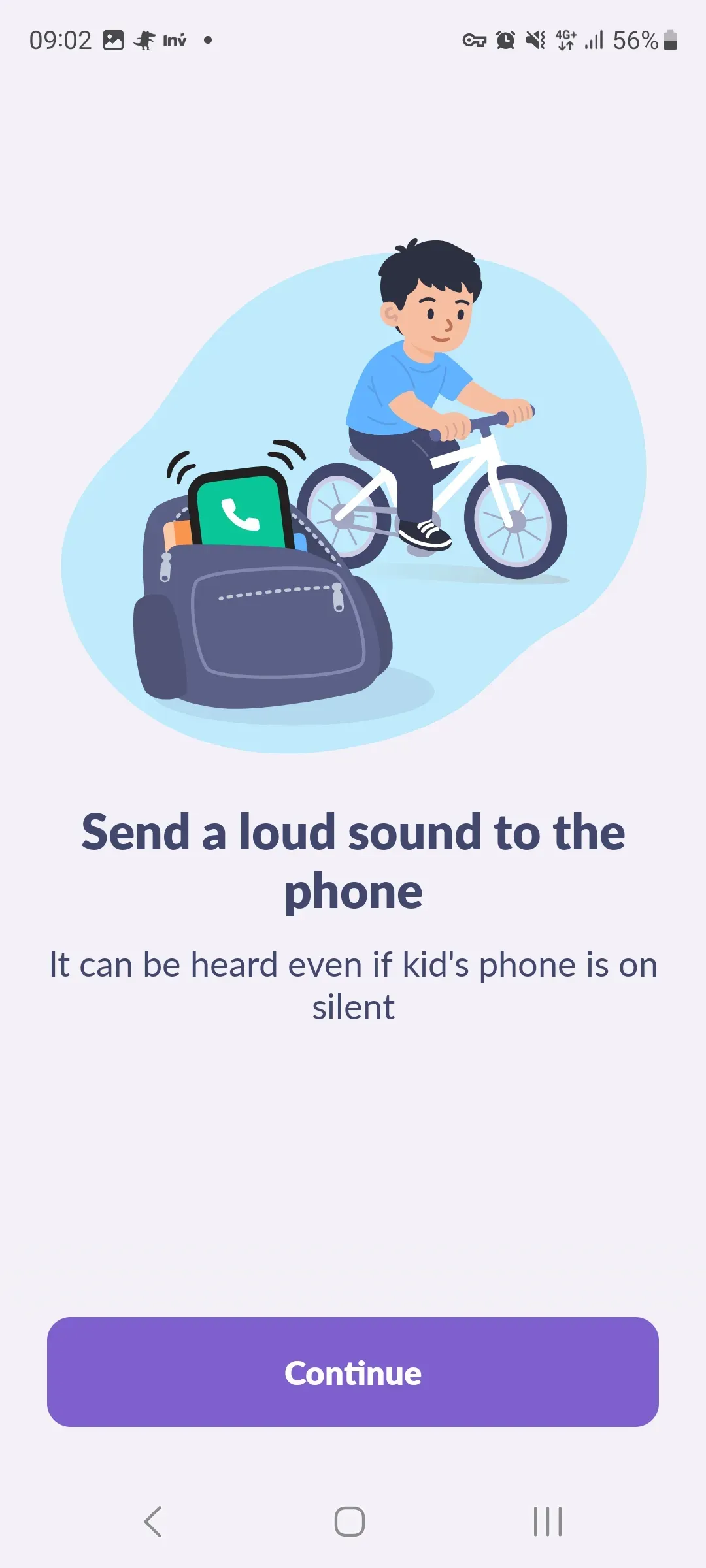
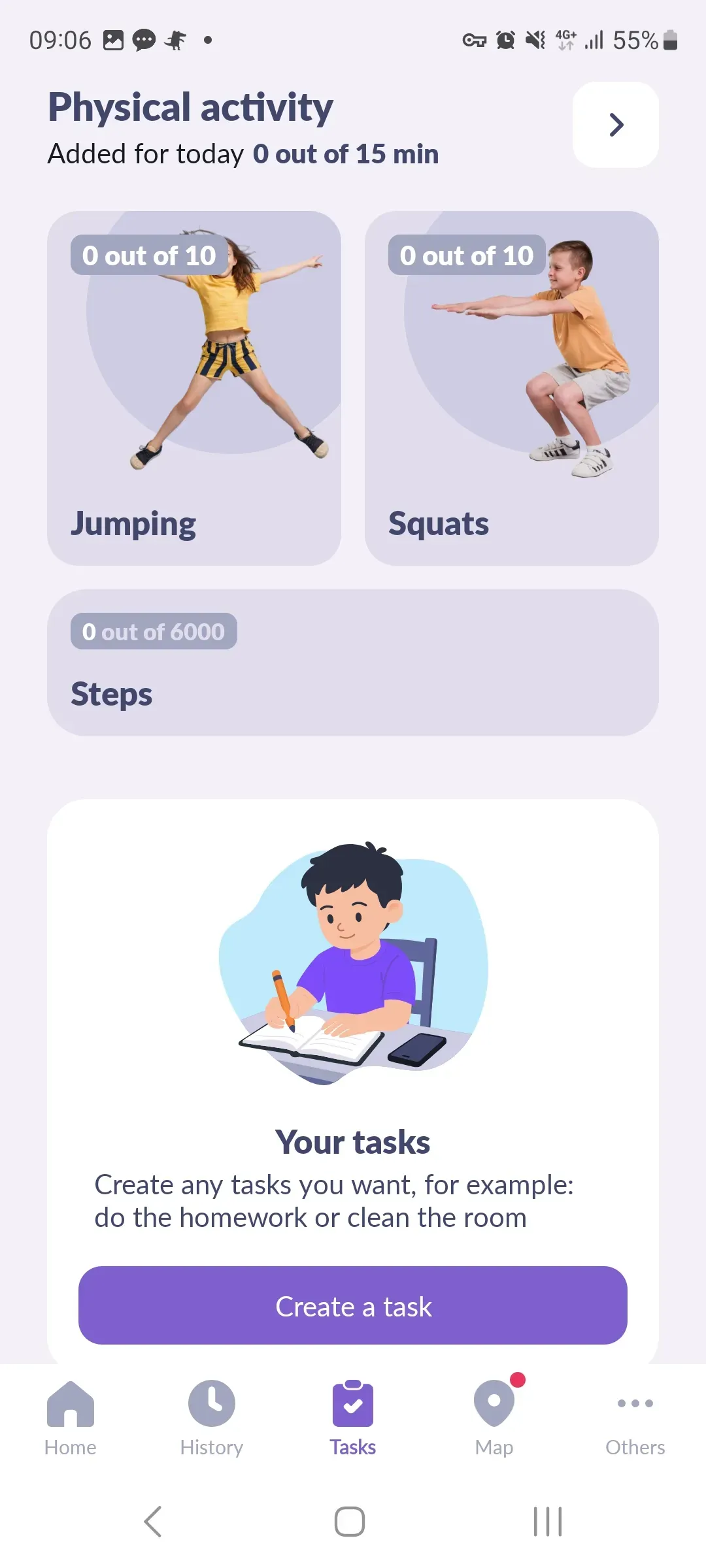
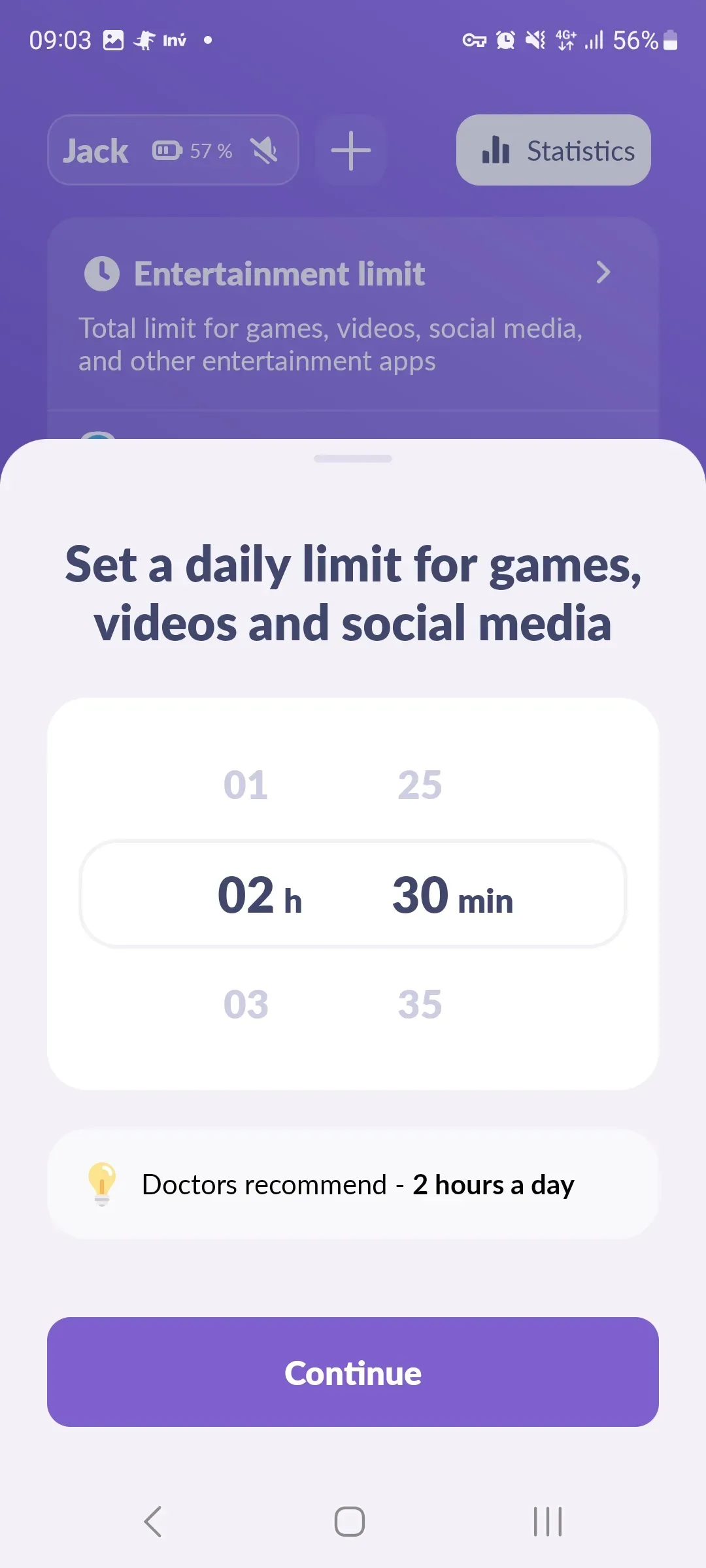
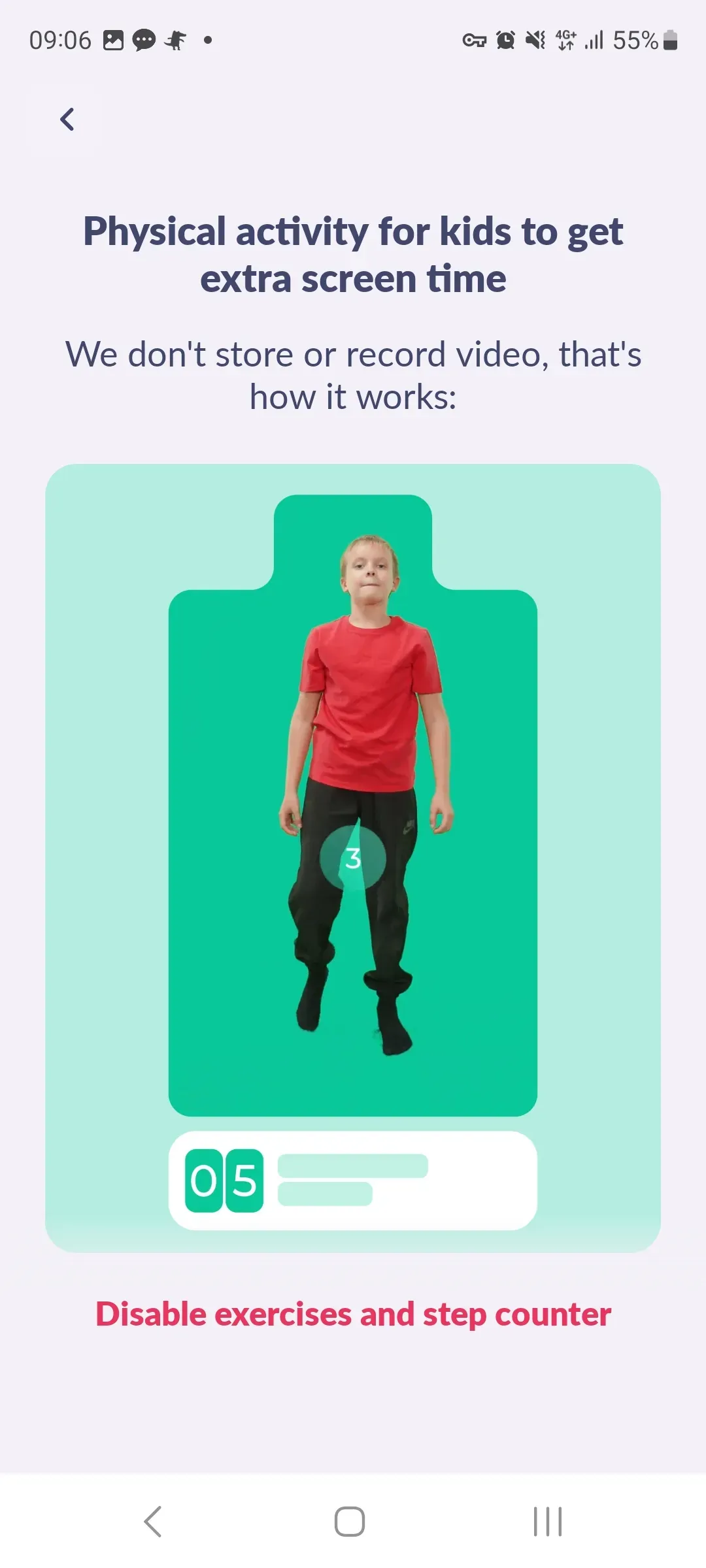
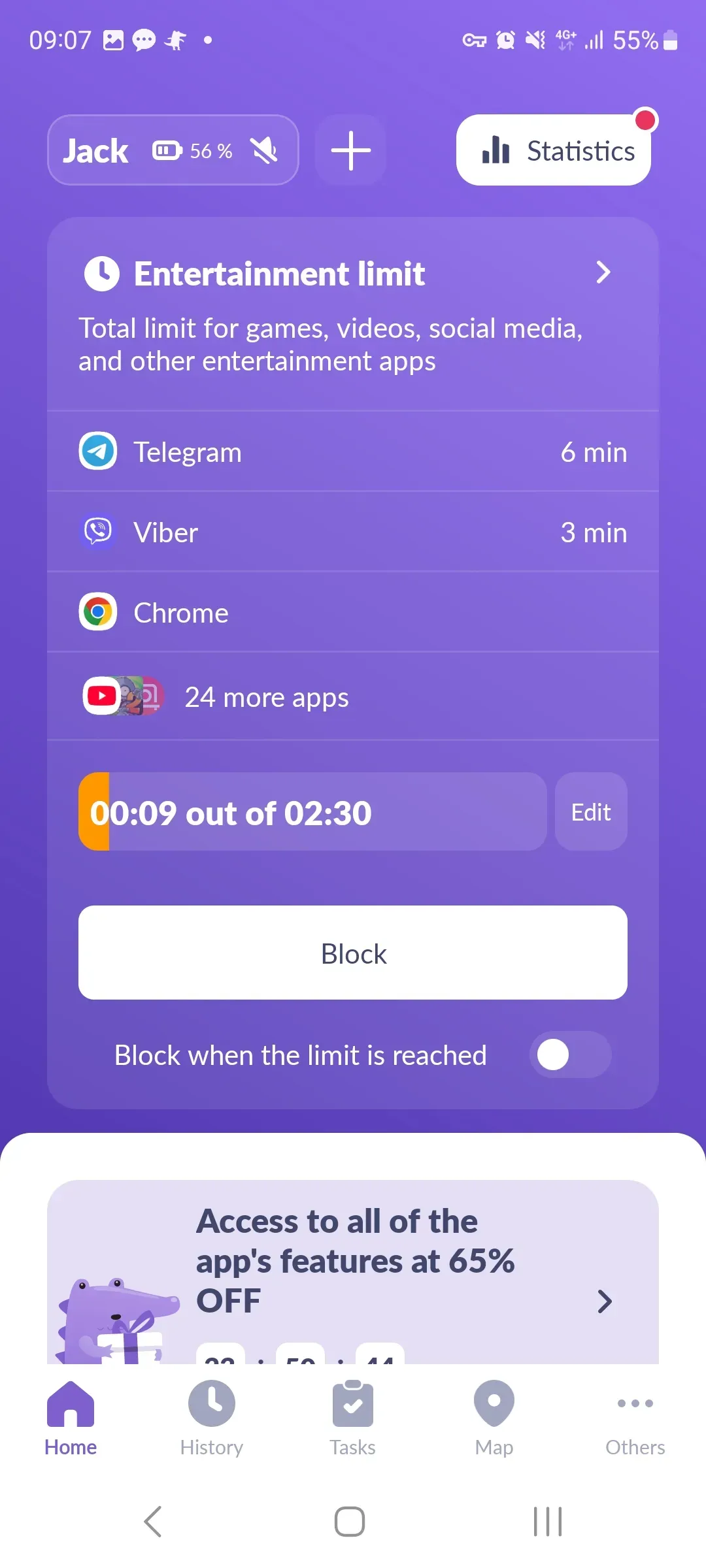
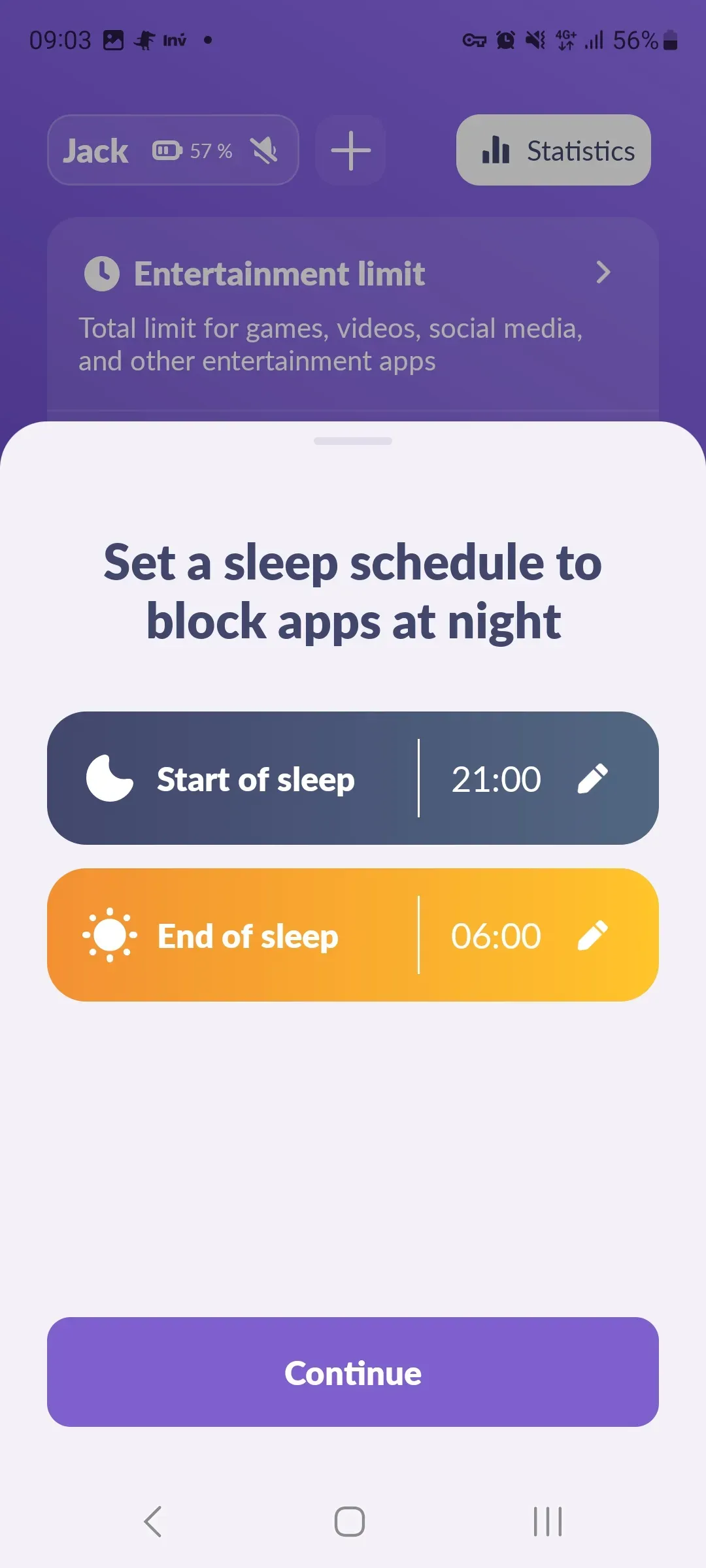
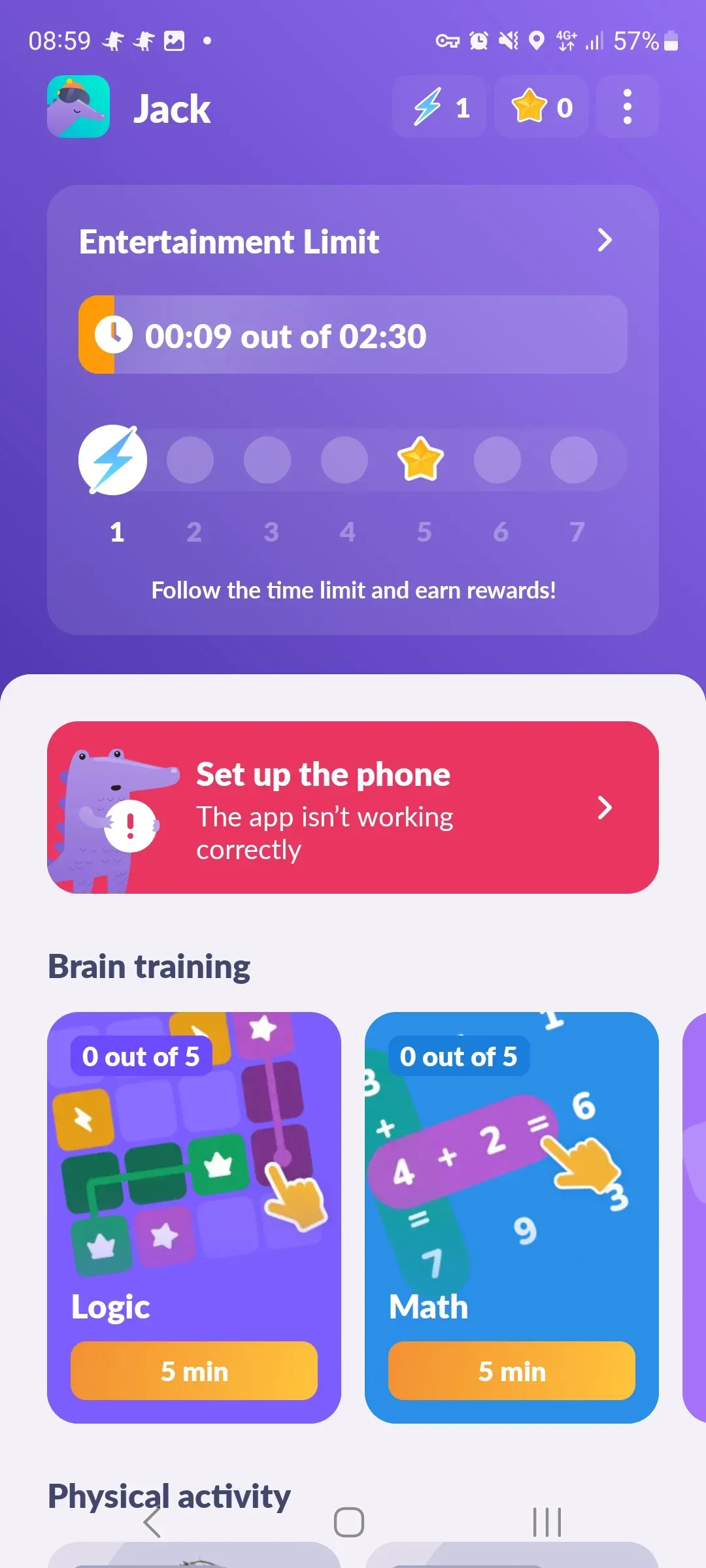
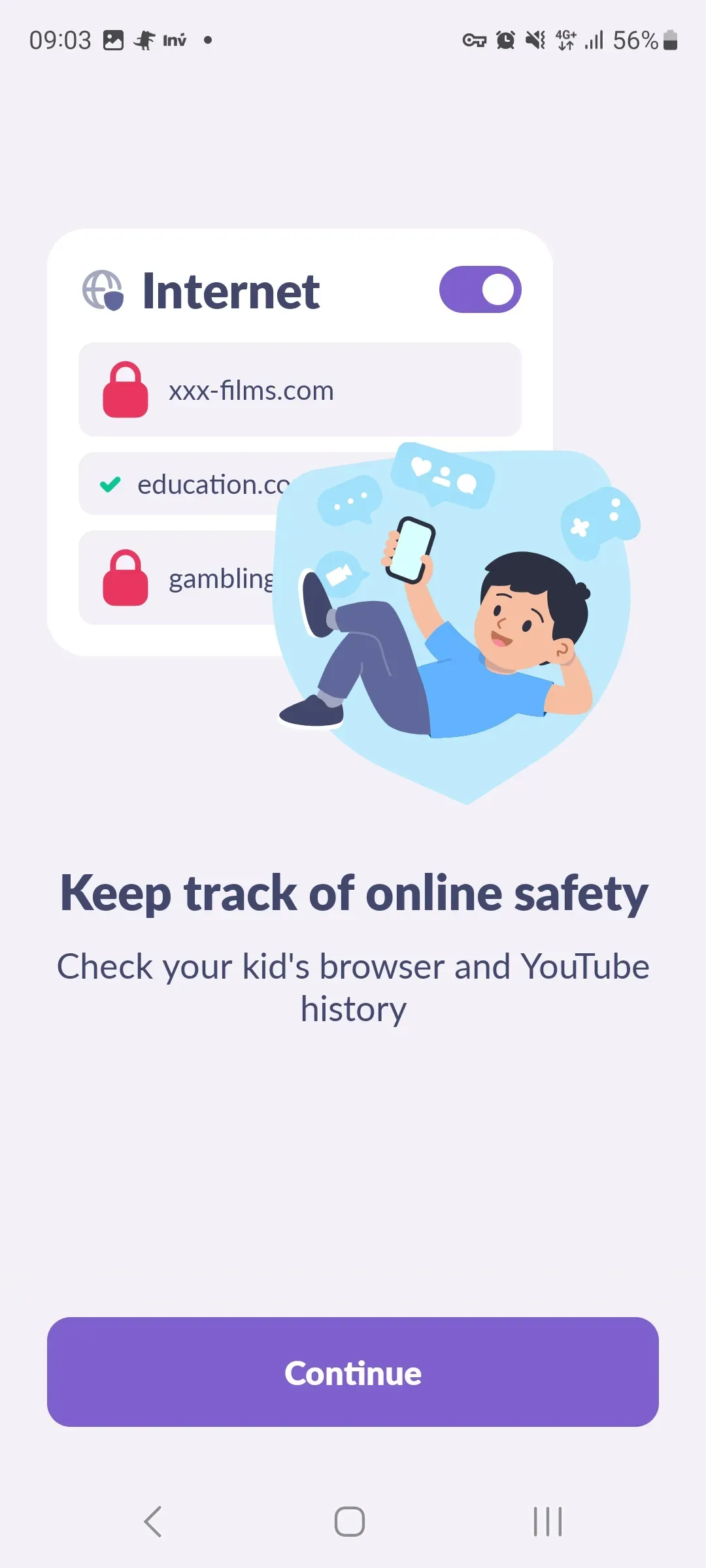
Choose the right access format for screen time management, schedules, app statistics, and family safety settings.
The app is designed for parents who need a simple way to control screen time and help their child build healthy digital habits.

Kidsafety is chosen by families who do not want to ban everything, but want to build a clear smartphone routine and calmly discuss digital habits.




Can the app be installed secretly?
No. Kidsafety is intended only for open family use. Connecting the child’s device is done with the child’s consent and by granting permissions on their phone.
What permissions are required?
For proper operation, the app may require access to app usage data, accessibility services, display over other apps, autostart, and device administrator rights to protect settings from unauthorized removal.
What exactly does the parent see?
The main focus is screen time, app statistics, limits, and schedules. This helps manage time spent in games, social networks, and entertainment apps.
Kidsafety works best not as punishment, but as a tool for agreement: parents explain why limits are needed, the child understands the schedule, and the app helps follow the chosen rules.
Personal data should be processed in accordance with applicable law and privacy policies. Before setup, it is important to make sure you use the service legally and ethically within your family.
For technical questions, you can use the support section in the app or contact the website owner through the contact block.